

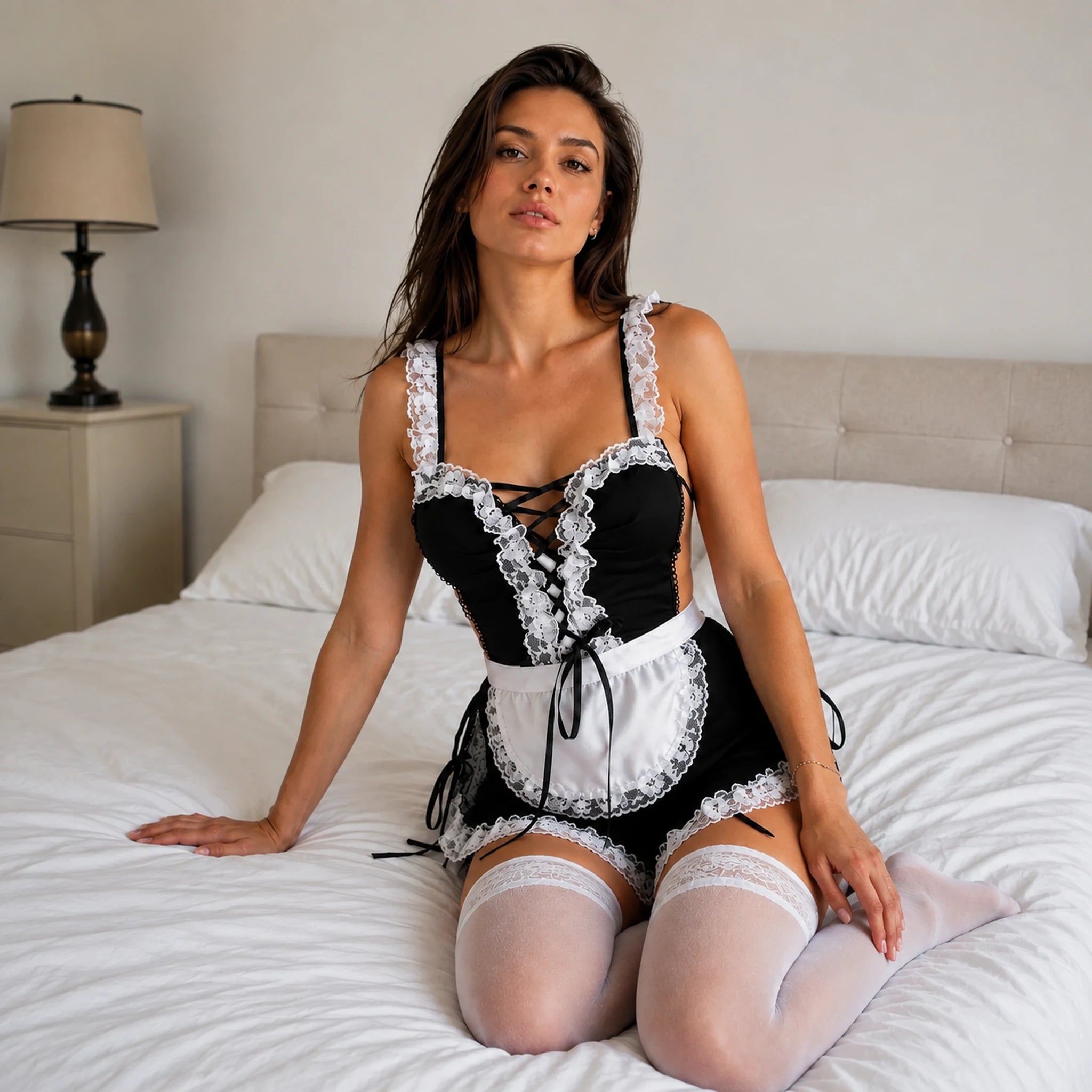
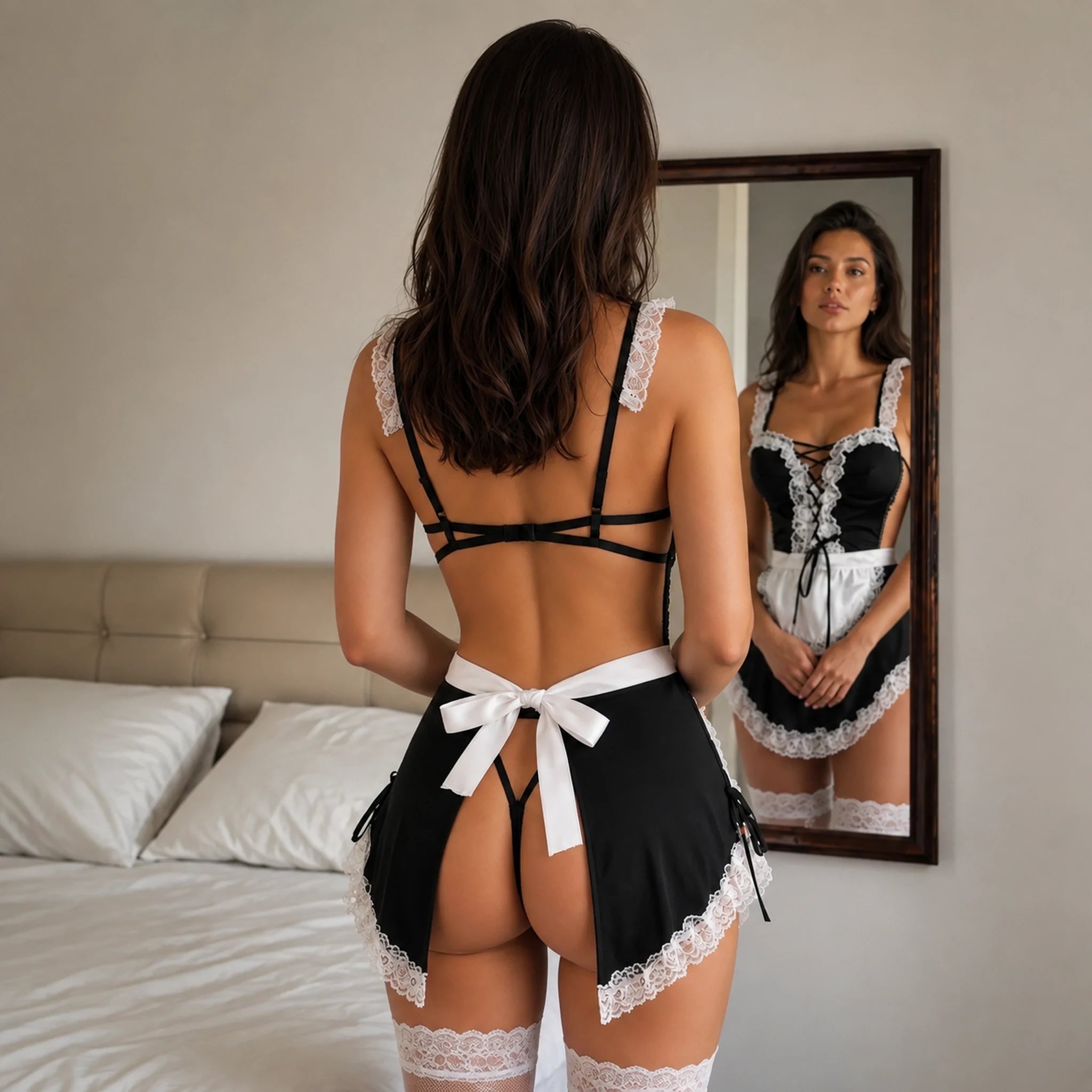
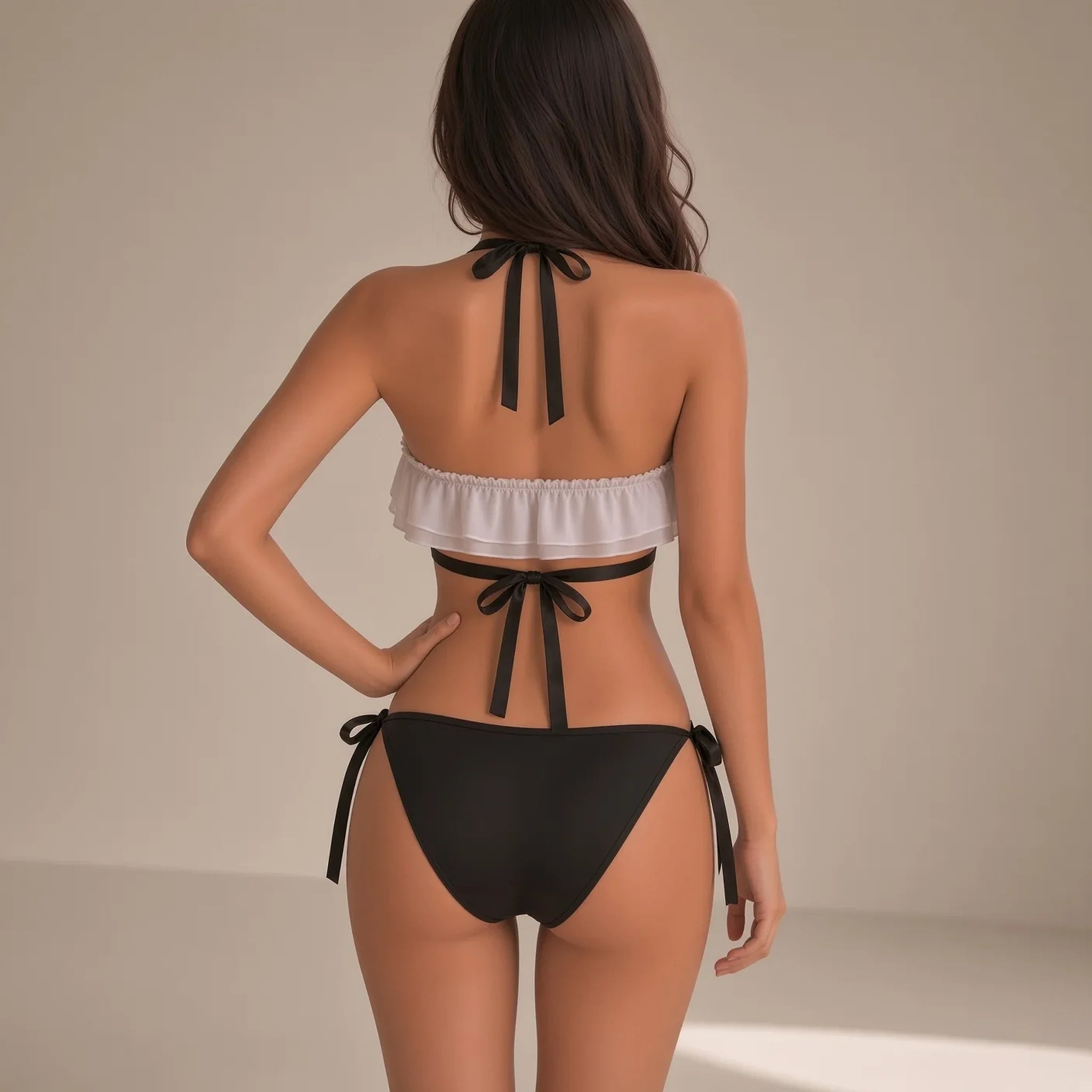
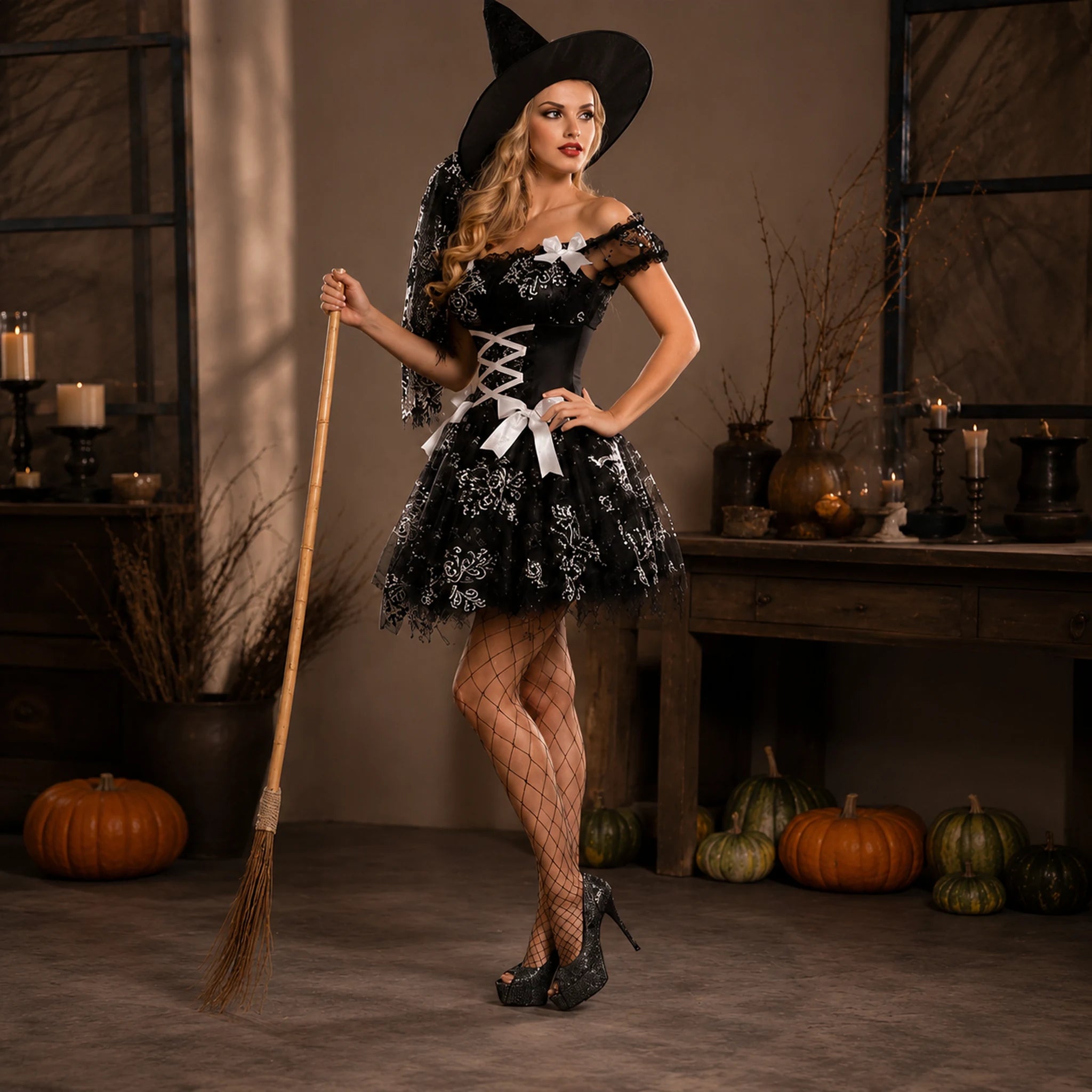
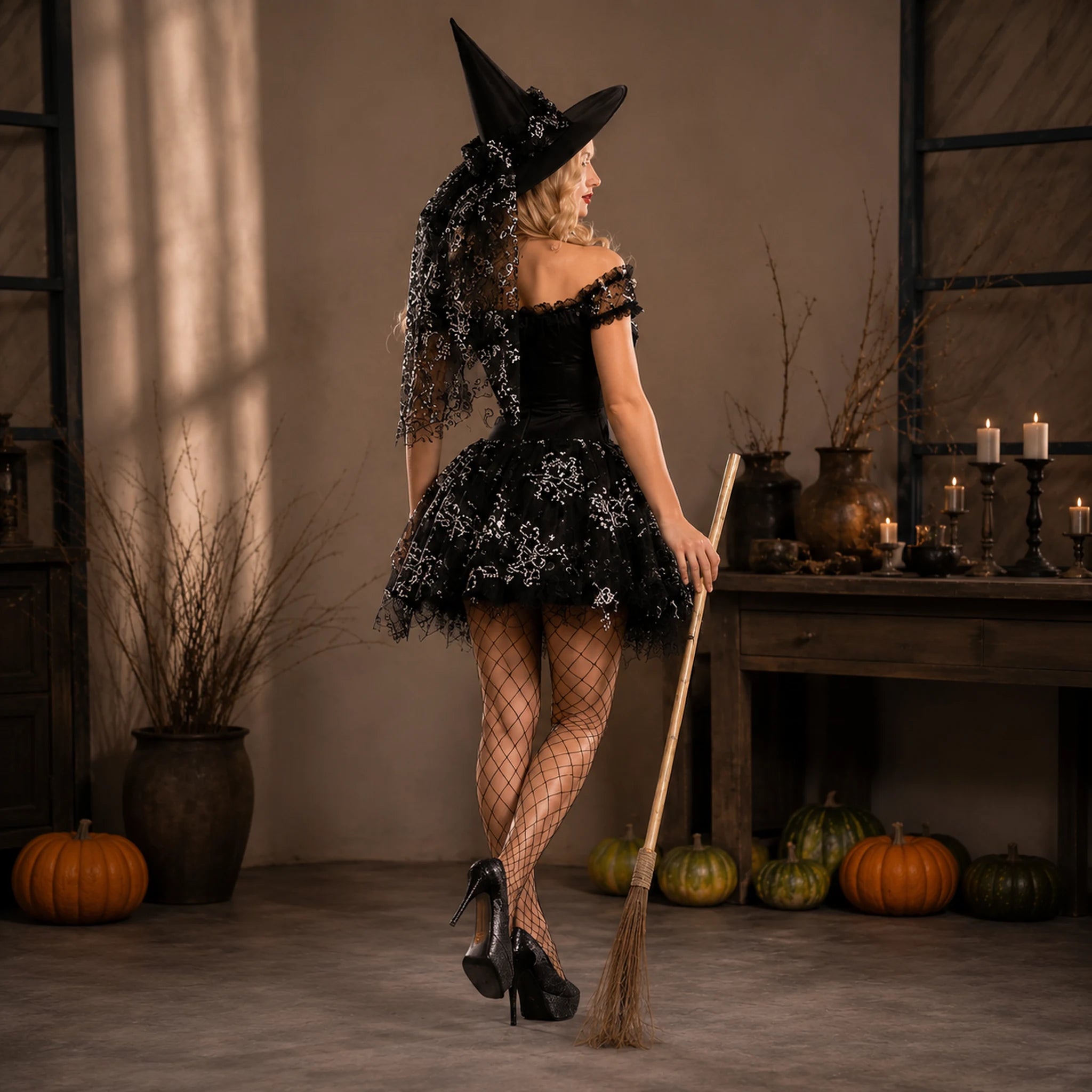
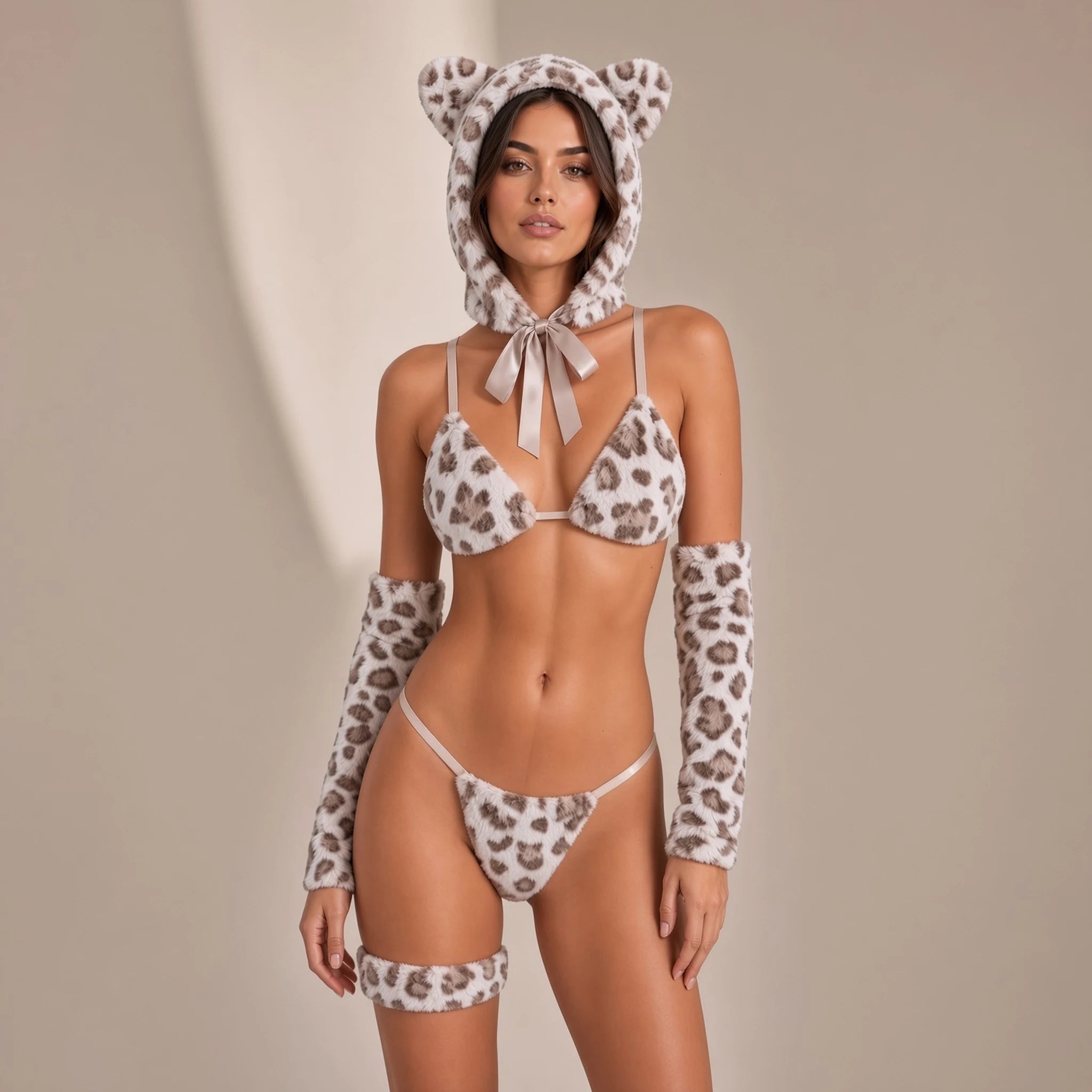
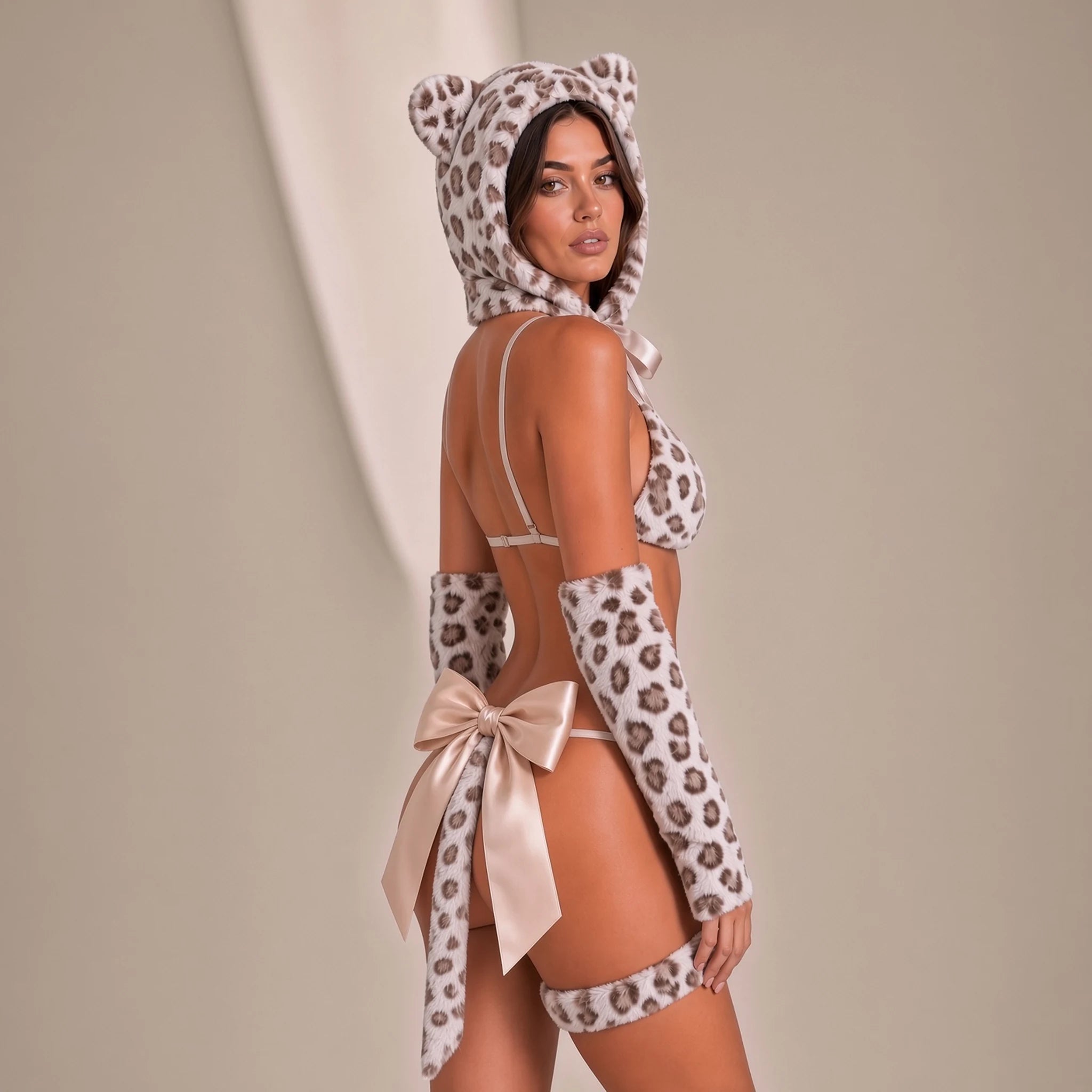
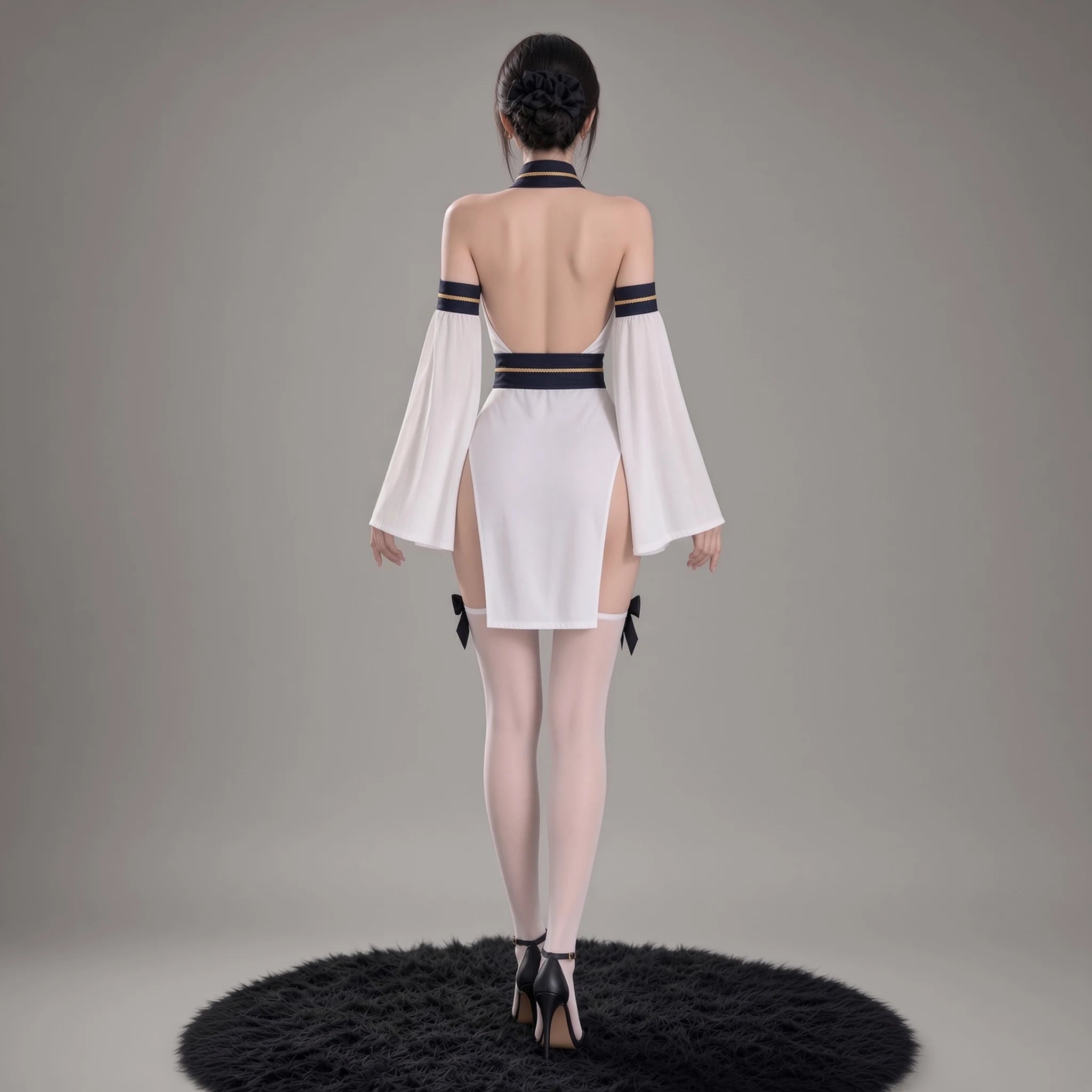
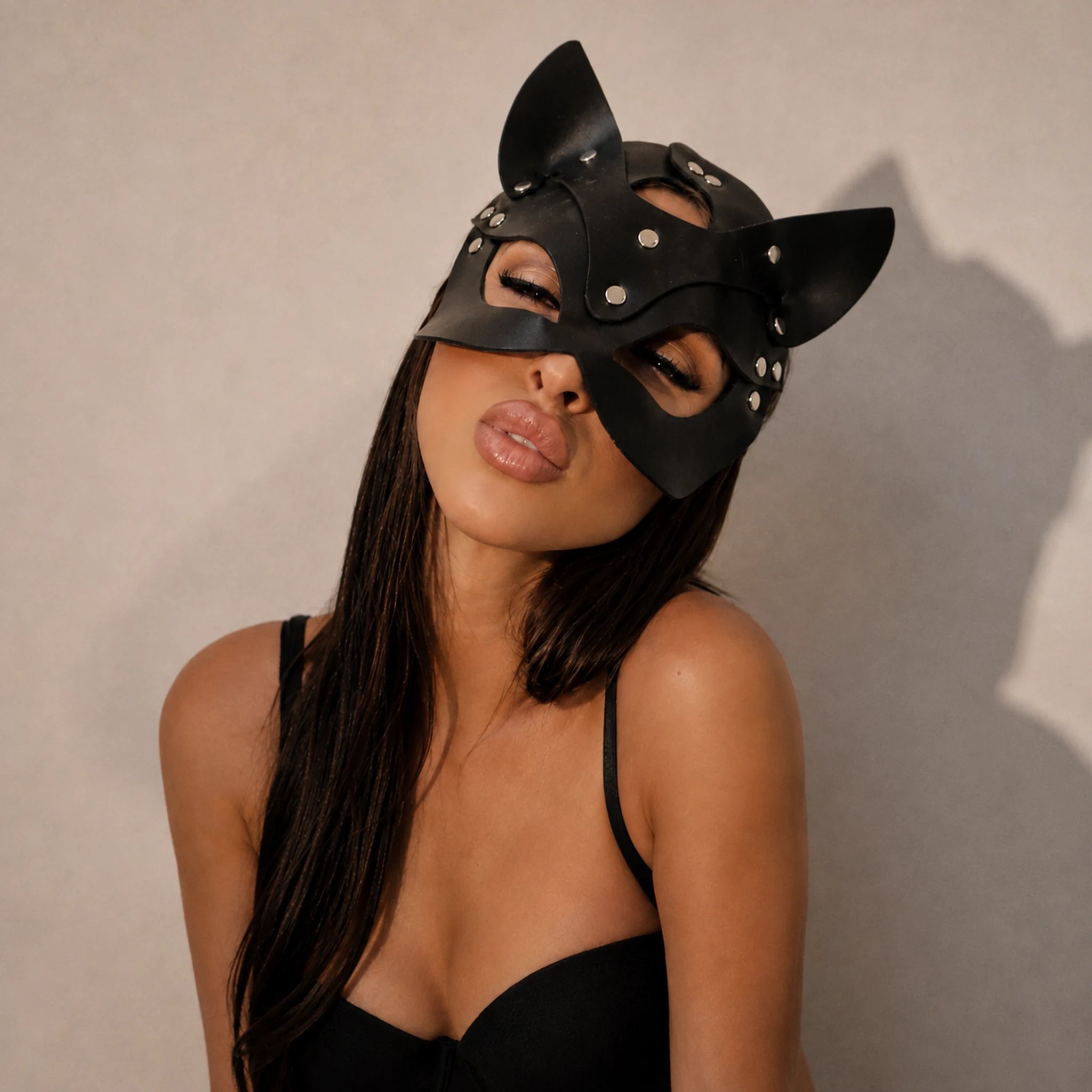
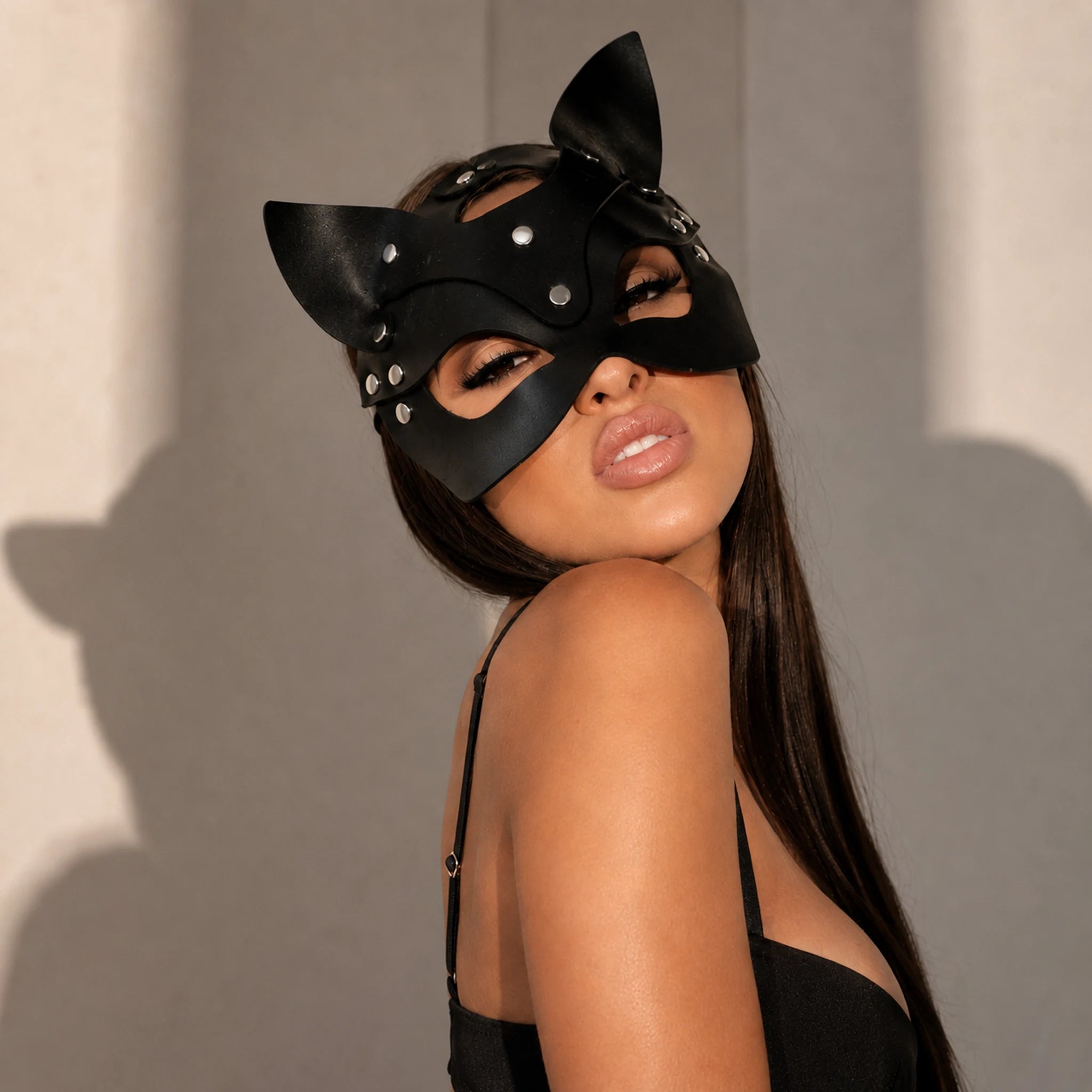
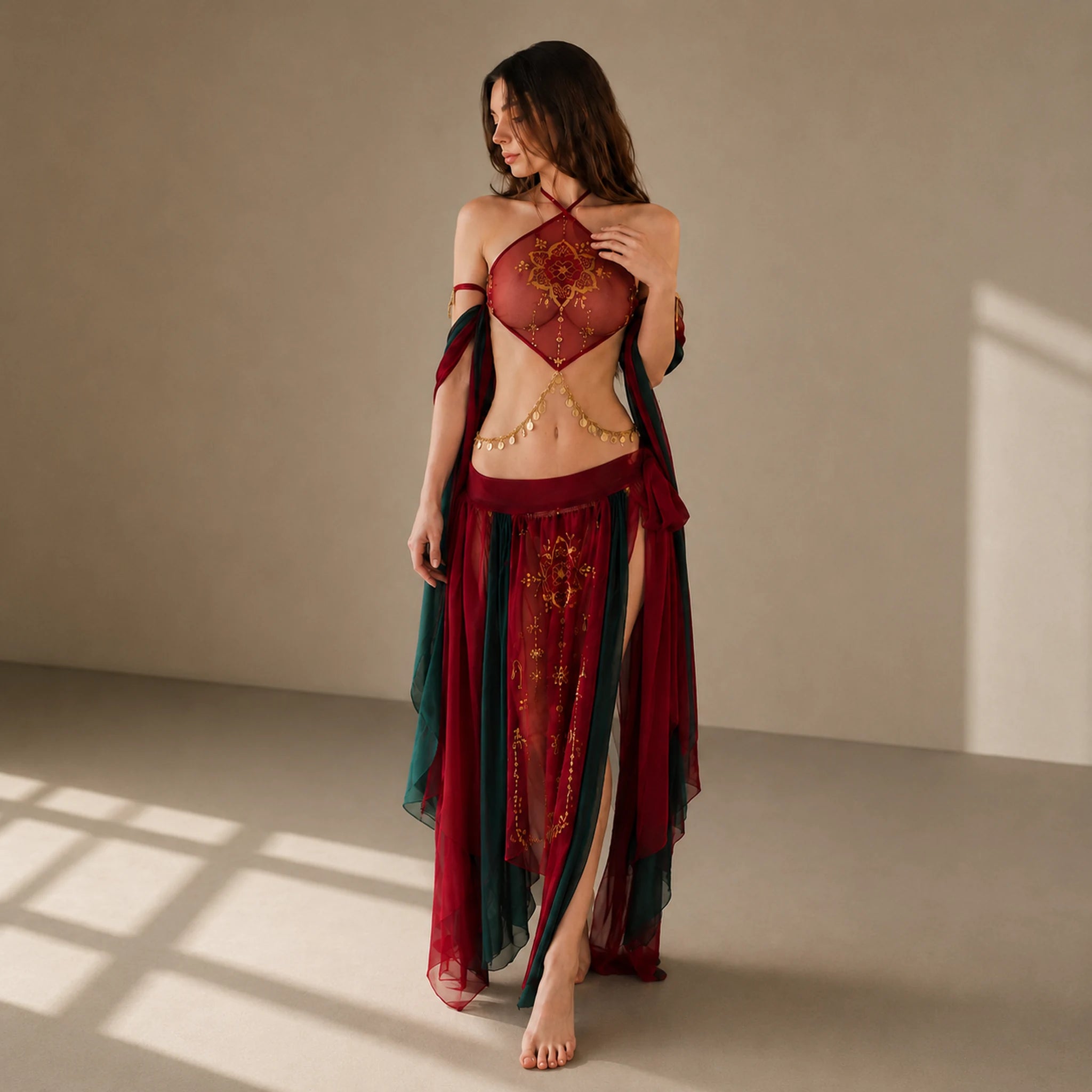
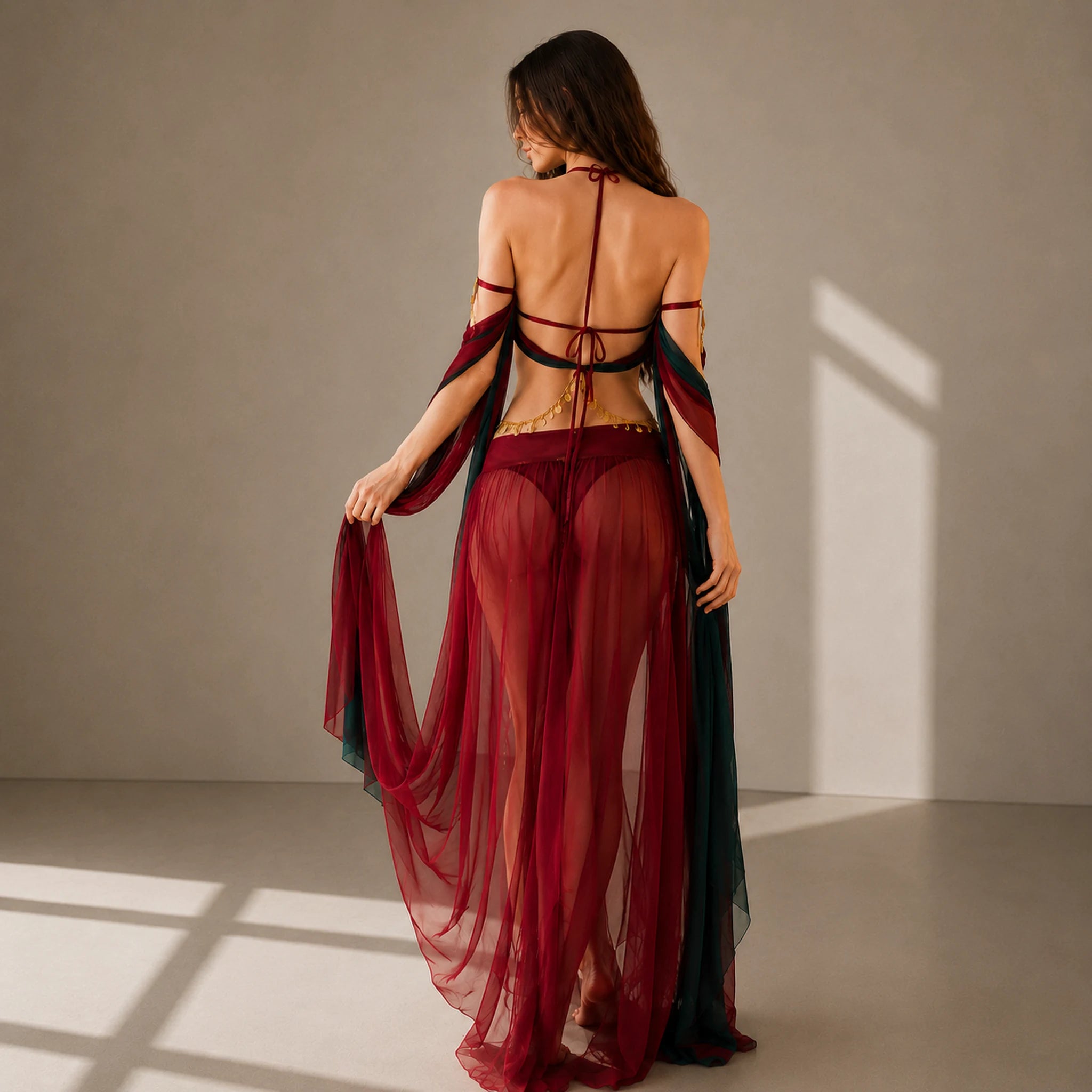
There’s something about slipping into a sexy costume for women that transforms even an ordinary night into a playful adventure. Whether you’re channeling bold confidence in a lace-up catsuit or just want to add a wink of drama to your next livestream, the right outfit sets the mood. Here’s how you can capture that same energy — and go live on Twitch — bringing your unique style (costumes or not) to a fresh community who can’t wait to watch you be you.
Your Twitch Streaming Journey Starts Here
So, you want to go live on Twitch. Maybe you picture yourself gaming, chatting, or perhaps doing a makeup transformation in front of thousands (okay, or just your friends at first). No worries — streaming can look however you want. First, you’ll need a Twitch account. Sign up on twitch.tv and be sure your email is confirmed; you’ll need this for all things official.
Next, set up your channel. Upload a profile image and spruce up your twitch panels — that's where people get to know you, your style, even your planned stream schedule. Consider your twitch bio your elevator pitch. It doesn’t have to be perfect; it just has to sound like you. And nobody forgets a catchy stream title, so make yours pop.
Small detail, but huge in practice: your stream background matters. Maybe it’s LED lighting, or, like my own blush-pink bunny ears that became a ‘where did you get those?!’ chat meme — a detail so silly, but people spotted it instantly. Let your personality shine, whether you’re streaming in a cozy blanket or in one of our women’s sexy costumes. ✨
Streaming Gear: What You Need to Broadcast
To start streaming on Twitch, you’ll want gear that matches your content dreams, big or small. For a seamless stream, here’s your basic checklist:
- Decent gaming PC or laptop — for gaming/variety streams
- Console (PS5, Xbox, etc) — console streaming is just as exciting!
- Microphone — Audio is king. Even a $50 USB mic sounds better than a built-in laptop mic.
- Webcam — For facecam or costume reveals; 720p is a bare minimum, 1080p is great.
- Lighting — A ring light smooths shadows, literally making you glow.
- Optional: Capture Card, if you’re using a console and want all those overlays (Elgato’s solid)
You also need an internet connection with at least 5 Mbps upload for stable video. If you can, plug in via ethernet. WiFi drops = streamer heartache. Don’t forget about streaming-specific accessories, like green screens or snazzy stream backgrounds.
The right streaming setup doesn’t have to break the bank. Many streamers build slowly, adding a shiny new overlay or upgrading a microphone as they grow. Start simple. Polish is nice, but consistency and personality matter more.
Twitch Streaming Software and First Steps
No stream can happen without streaming software. The two biggest names: OBS Studio (free and endlessly customizable) and Streamlabs OBS (slightly more user-friendly). Both let you create scenes — custom layouts for your screen, camera, and even overlaying follower notifications or chat boxes.
Install your chosen app. Log in with your Twitch account, then paste your stream key — you’ll find this on your twitch dashboard under ‘Settings > Stream’. Guard it like a treasure; anyone with your stream key can broadcast to your channel (awkward, right?).
Configure your stream: Choose a bitrate (2500-6000 kbps for most setups), set your resolution (720p or 1080p), and lock in your preferred fps (usually 30 or 60). Need a shortcut? Most software has an ‘auto-configure’ option that inspects your internet and PC, then picks optimal stream settings.
If you want to multi-stream to other platforms, services like Restream make it easy, but always check Twitch’s affiliate/partner contract rules first. And don’t forget — your first “stream test” is just that: a test. Have fun, experiment, and invite friends for honest, (hopefully gentle) feedback.
Look Good, Sound Good: Key Streaming Setups
You’re nearly ready to go live on Twitch. Time for the details that make you watchable, listenable, and, sure, maybe a little bit unforgettable.
- Audio setup: If people can’t hear you, you’ll lose them. Spend extra effort here. Test mic levels, add a basic noise filter (cuts out that fan hum), and keep a drink nearby — streaming’s thirsty work.
- Camera setup & lighting: Even a cheap webcam shines with good light. Light your face, not your background, with one or two LED panels (or a big window during the day).
- Stream layout & overlays: Get creative! Tons of free overlays exist, or design your own, layering follower alerts, donation goals, and chat boxes. You’ll want your twitch scenes tidy but fun — think: main, brb, intermission.
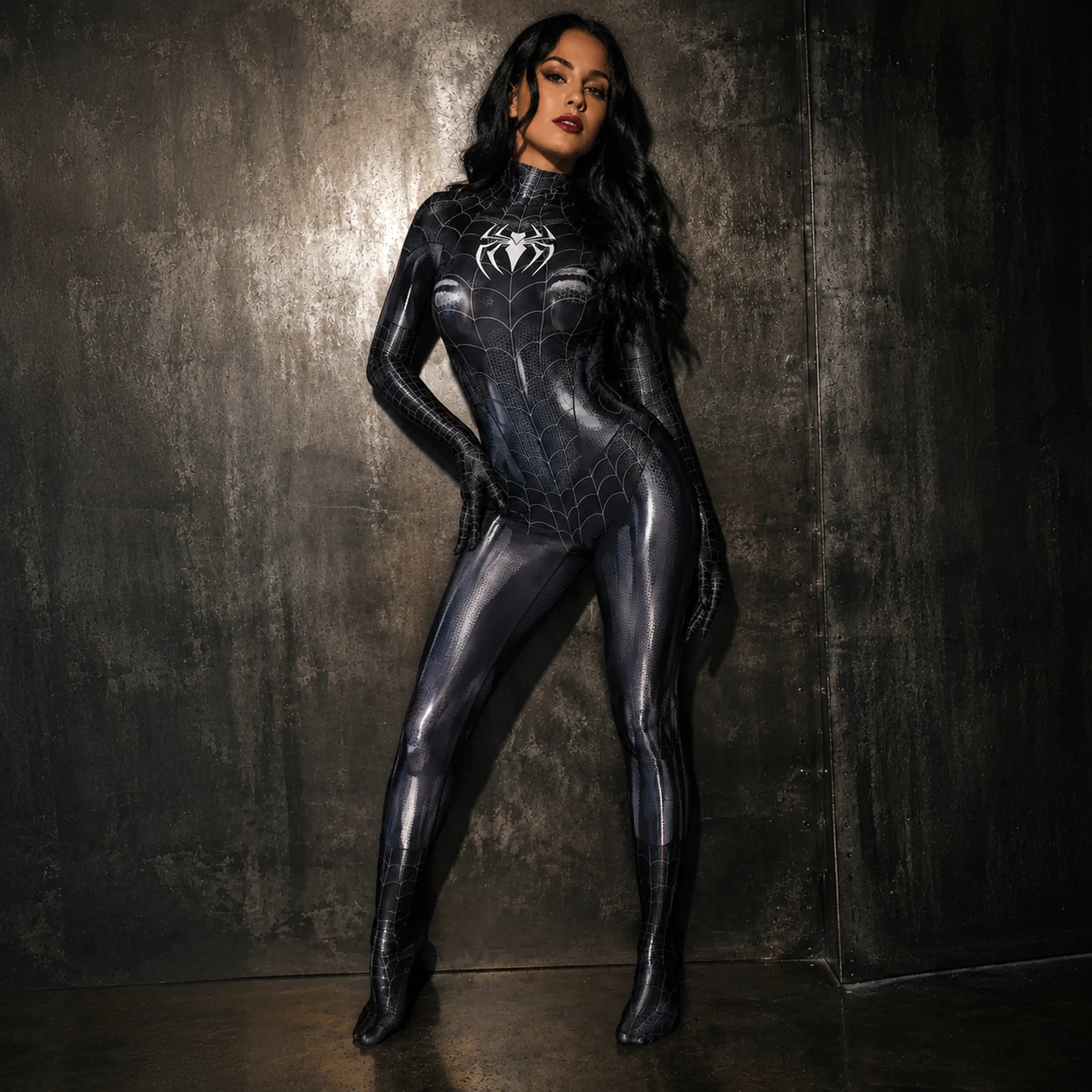
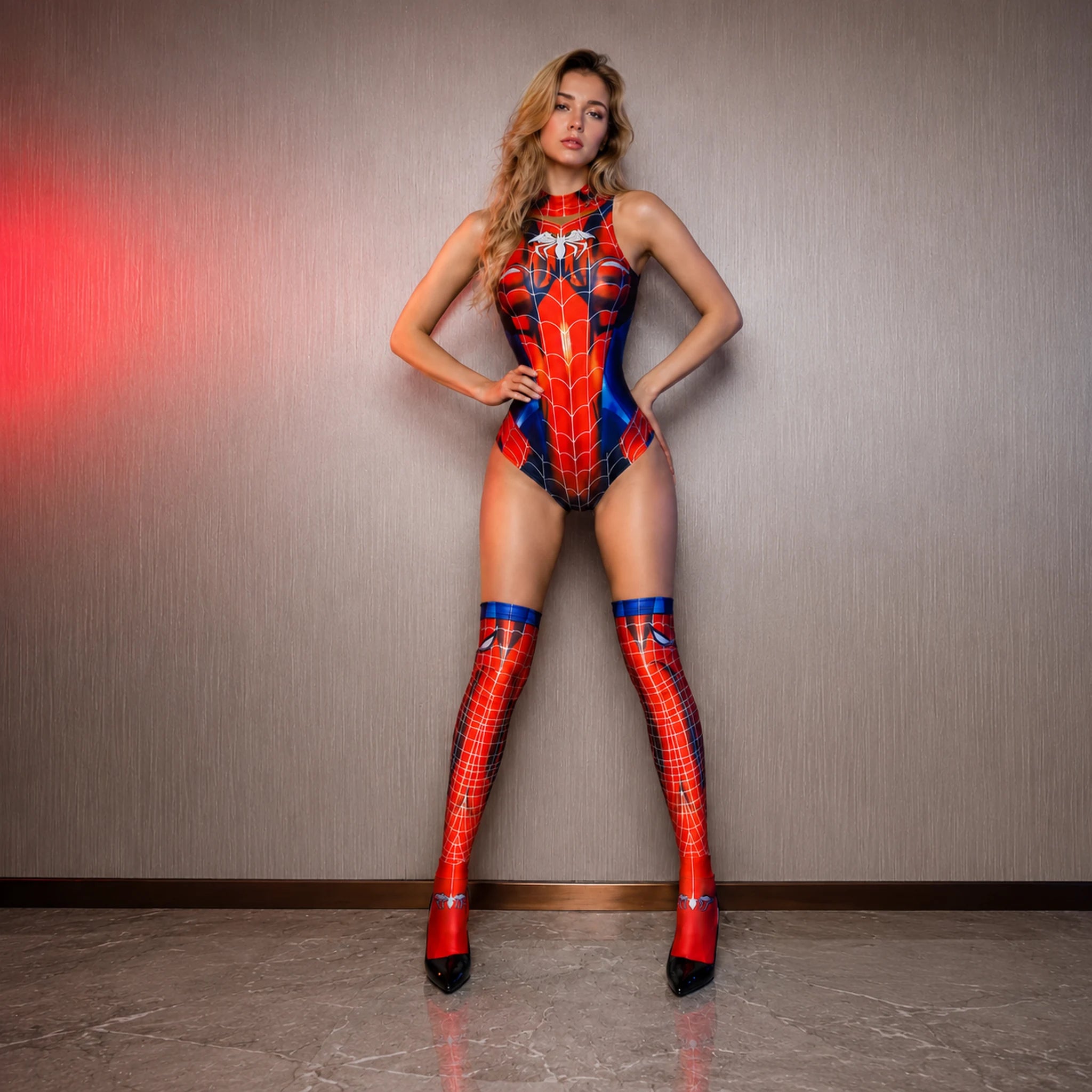
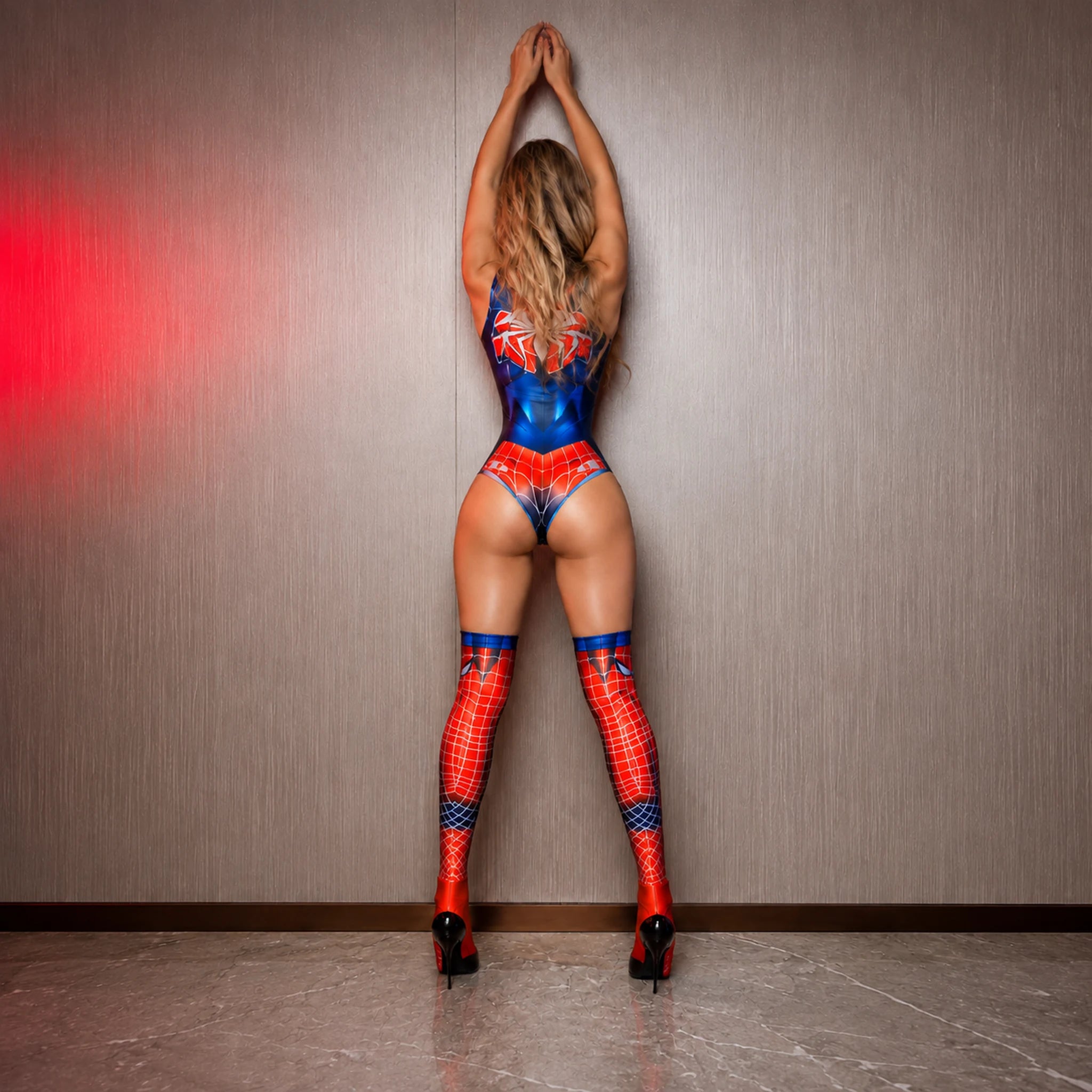
- Twitch branding: Match your panels, overlays, and twitch profile colors. No need for perfection — your favorite shade of pink or a sexy spider motif works!
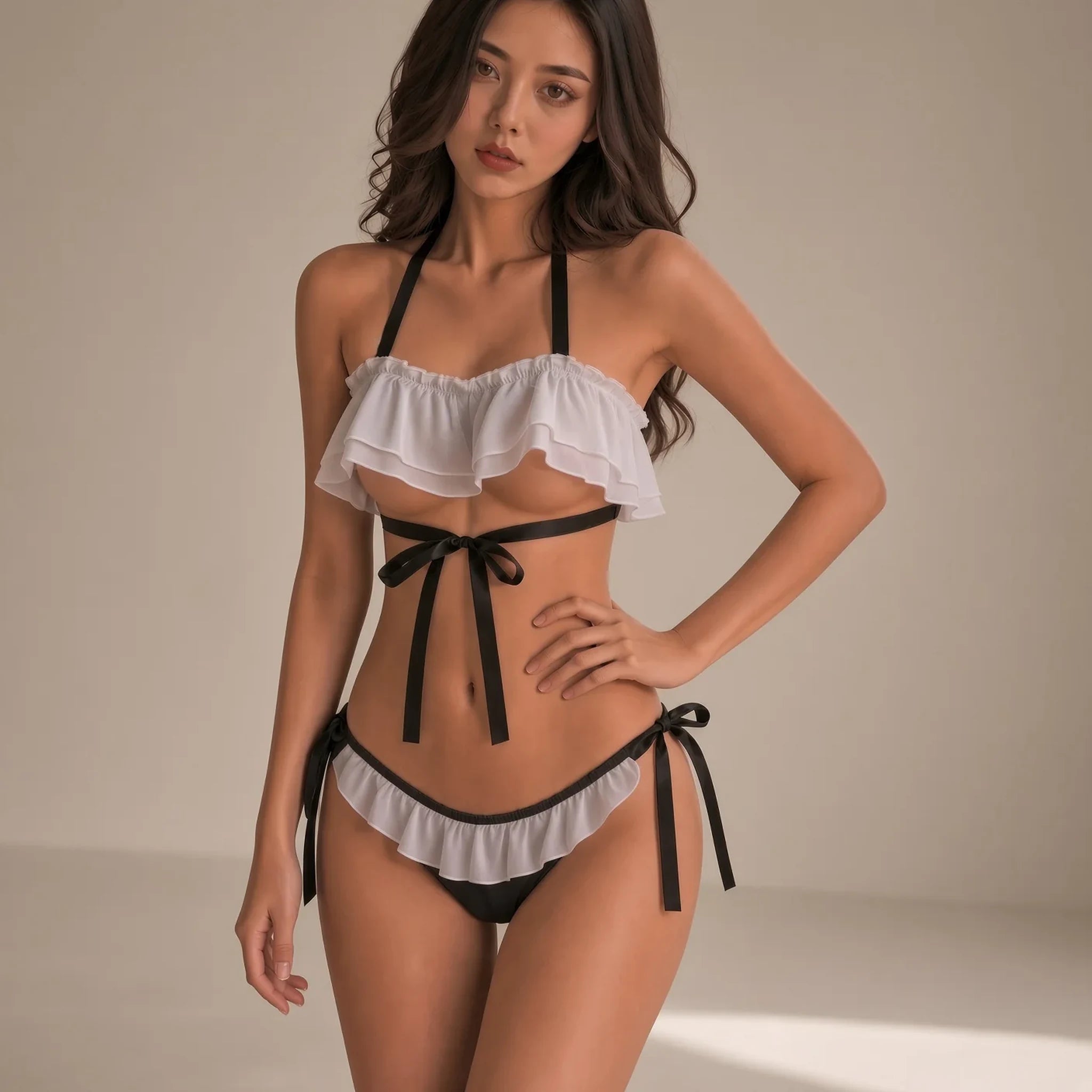
- Background & vibe: Are you “just chatting” or deep into game streaming? Decorate with plushies, plants, or that daring lingerie costume you love.
Your viewers are there for you, but they’ll stay when your visuals and audio are smooth — and your personality is genuine. A heartfelt laugh or a curious prop (yes, even a sexy spider costume) can start a chat riot faster than perfect resolution ever could.
Costume Confidence: Boost Your Twitch Persona

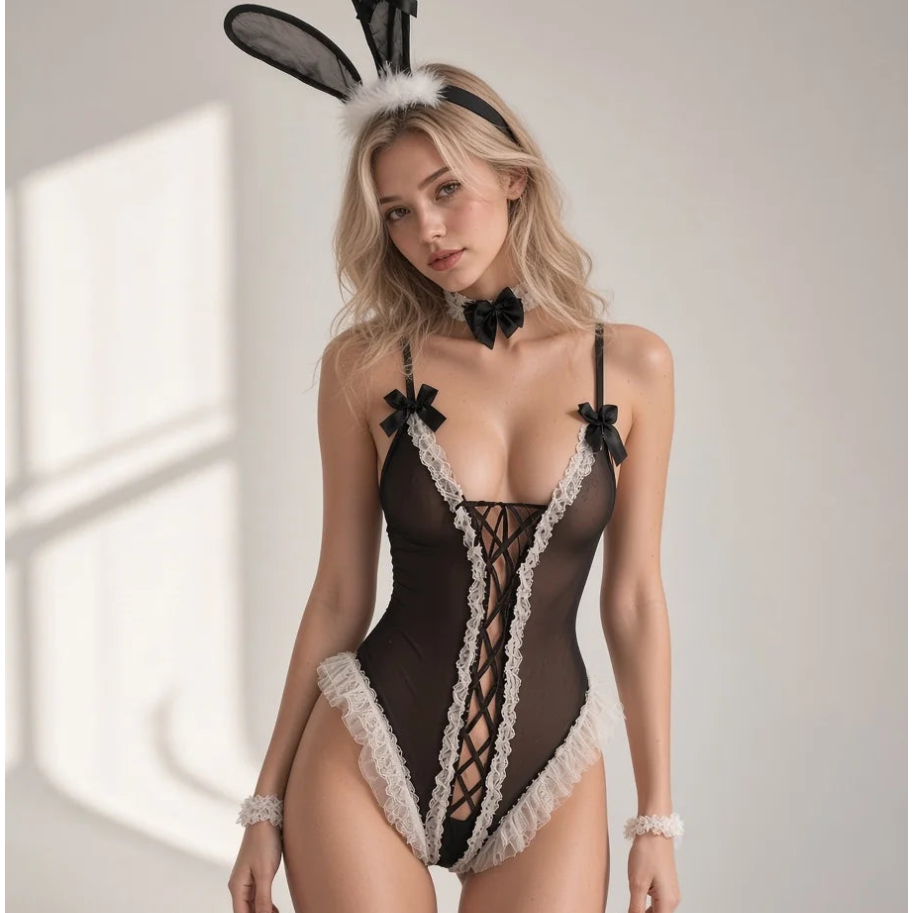
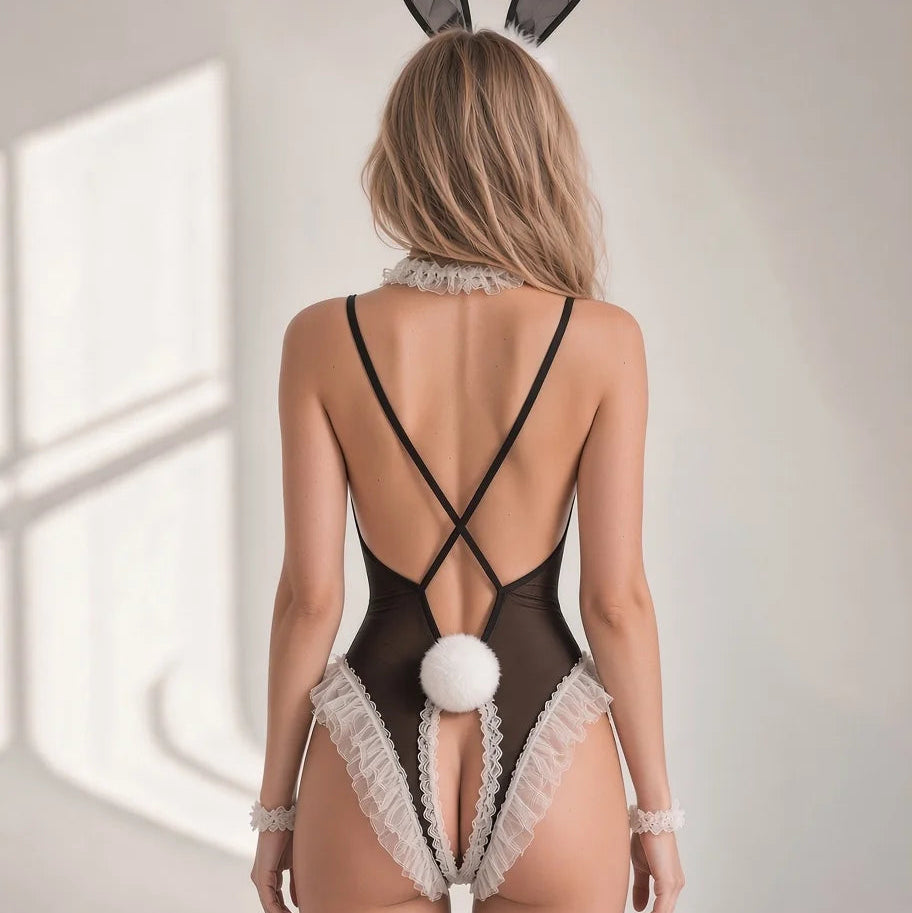
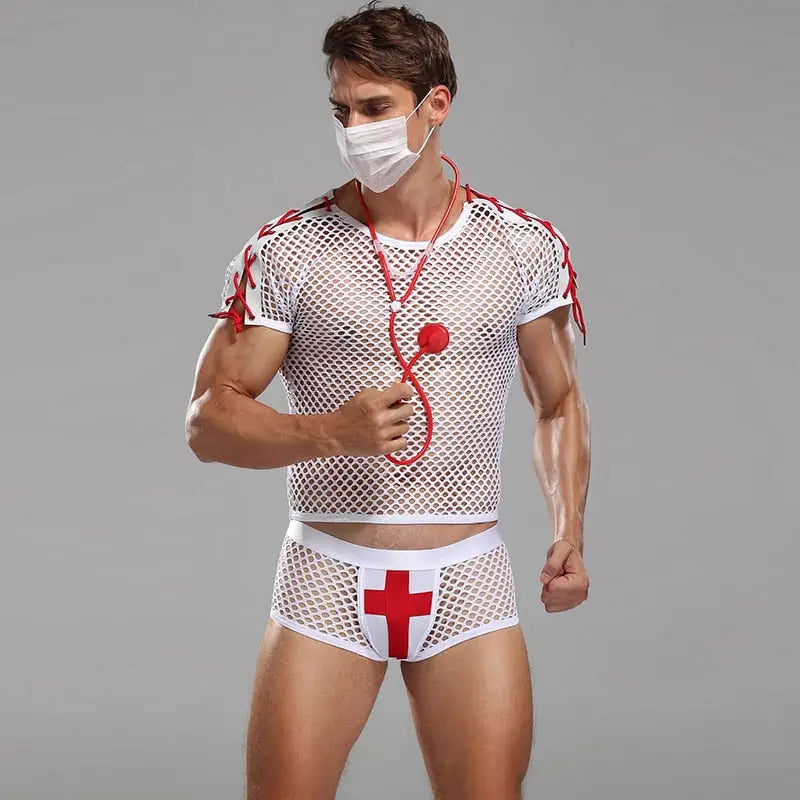
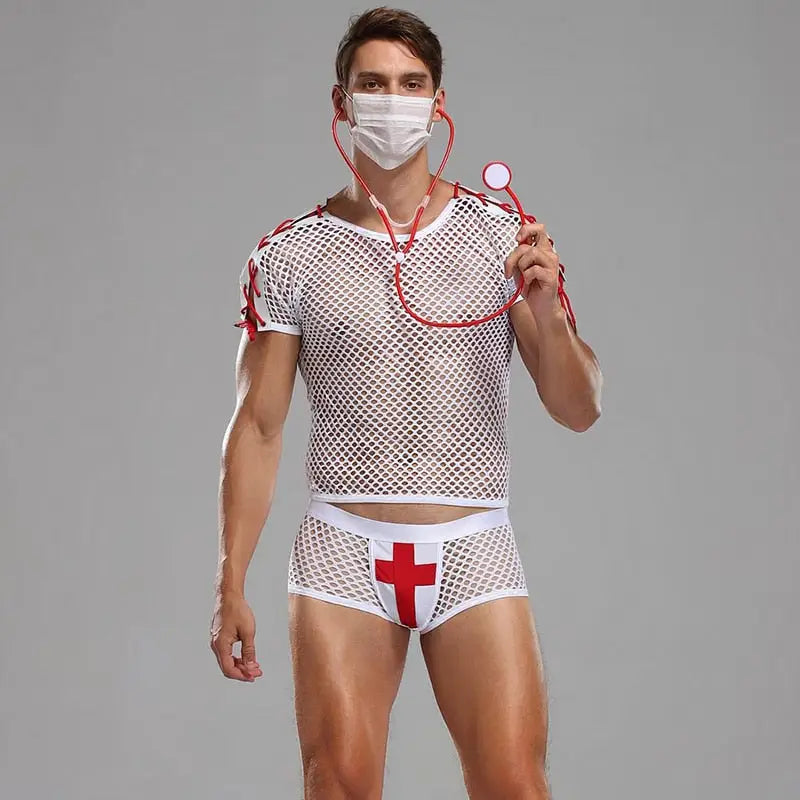
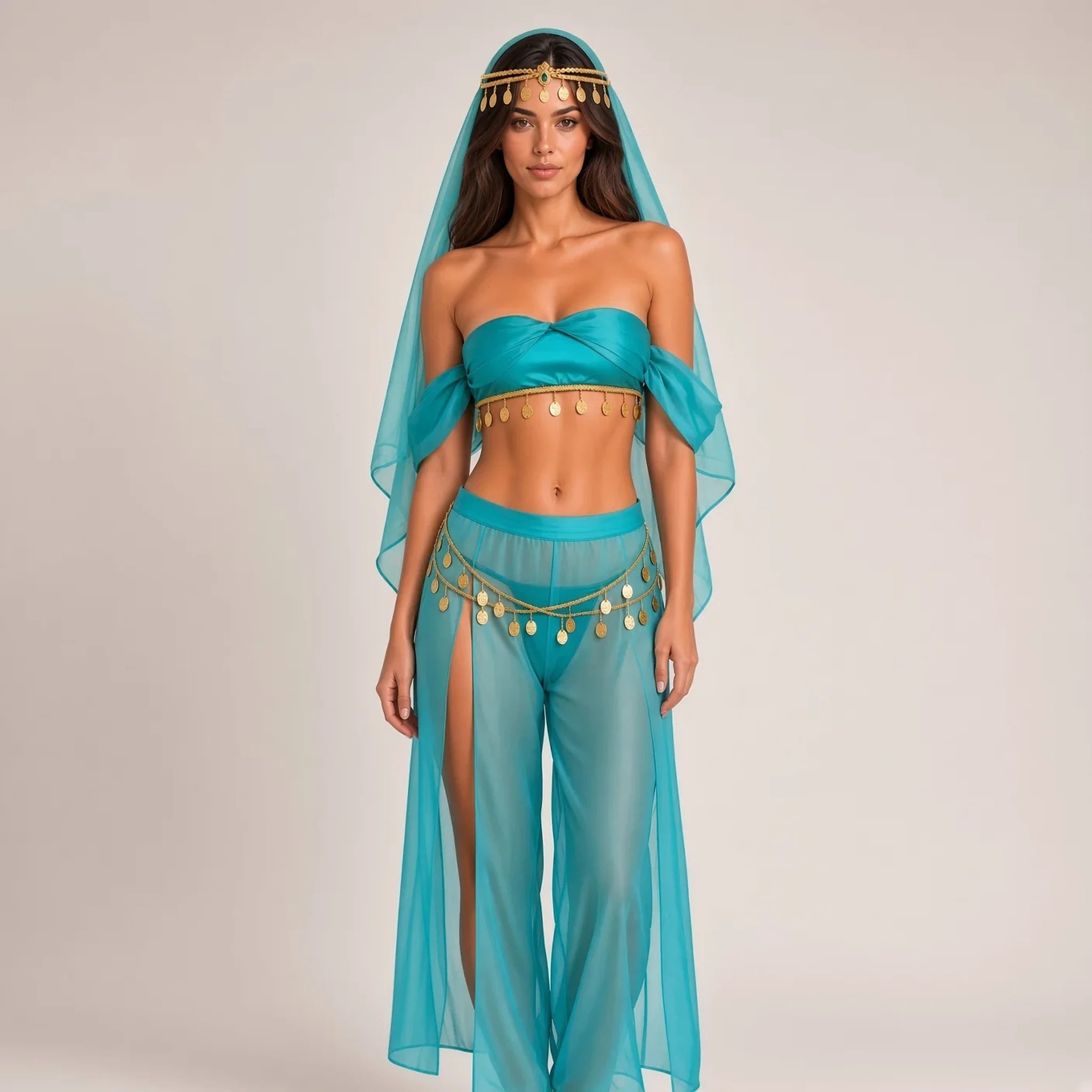
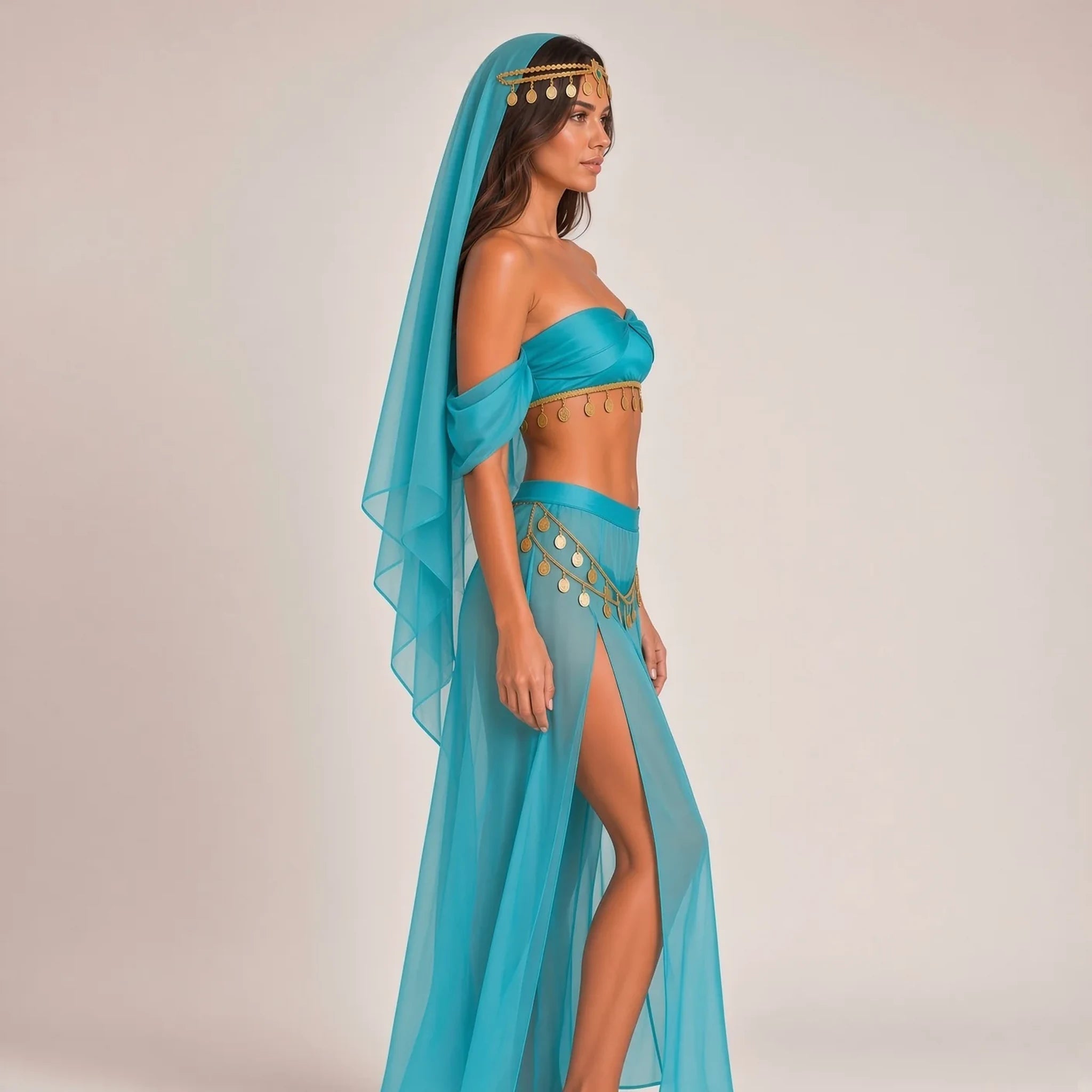
Why not bring that party energy of sexy costumes directly to your Twitch stream? The right outfit can elevate your entire environment, tease a new roleplay, or just help you feel braver when you hit “go live.” Picture yourself in a shimmering Tinkerbell costume, or captivating your chat as you slip into a luxe bunny suit lingerie. It adds energy — and trust us, Twitch viewers adore creativity and confidence.
I can still remember one Friday night, sitting in my glowing, fairy-lit room, pulling on a fitted sexy spider costume for a Halloween “just chatting” stream. I’ll never forget the reactions: emojis flooding the screen, chat squealing with delight as “Spider Queen” became an impromptu channel inside-joke. That’s the magic of costume energy.
Whether you’re a streamer who loves cosplay, fashion hauls, or even gaming as your favorite fantasy character, creative sexy costumes offer new ways for your viewers to connect, laugh, and remember your stream. Let your costume become part of your twitch design, your branding, or just a spark for the next viral moment. Ready for your close-up?
Engagement, Growing Your Audience & Twitch Rules
With your first twitch stream set up, it’s all about building momentum. Talk to your viewers: read your twitch chat out loud, install a chat bot (like Nightbot), say hi to every new face, and use on-screen follower notifications for warm welcomes.
Structure your stream schedule so fans know when to return. Even if you stream twice a week, consistency reigns. Update your twitch panels with rules and helpful info, and try out twitch extensions for added flair — polls, mini-games, stream music. Don’t forget to review twitch rules: stay safe, follow the guidelines, keep mature content in the right categories.
- Reply to chat as much as possible (even comments about your costume accessories!)
- Ask questions, run polls, play viewer games
- Invite viewers to suggest costumes, games, or stream topics
- Always thank your mods — they keep chaos at bay!
Watch stream analytics after each session. Learn what works and what doesn’t: which stream scenes got the most laughs, what time your twitch followers are most active, which overlays free or paid boosted engagement? Every stream is a chance to refine and grow — until, maybe, you’re ready for twitch affiliate or even twitch partner status.
Troubleshooting, Stream Privacy & Safety Tips
Let’s be real: stuff happens. Sometimes streams crash. Overlays glitch. Weird audio hums haunt your mic for no apparent reason. Don’t sweat it! Every streamer (yes, even the pros) faces hiccups. Here’s a shortlist for troubleshooting:
- Use wired ethernet — minimizes dropped frames compared to WiFi
- Double-check your stream key before every session
- Restart Twitch Studio or OBS Studio after changing hardware
- Test your microphone and webcam before going live — just like a mic check before a show
- Protect your privacy: hide personal info, use a separate streaming email, and set stream delay for ultra-private streams
If you ever feel overwhelmed by trolls or wild DMs, don’t hesitate to enable Twitch mods and privacy filters. Twitch’s Safety Center is full of guides and emergency options. Your mental health matters too — streaming is meant to be fun, not stressful.
And if your stream freezes in the middle of an epic gaming boss battle… hey, that’s just part of the story. Laugh, reboot, and broadcast again. Your community will love you even more for keeping it real.
Conclusion: Go Live, Shine Bright, and Dare to Be Bold
Every streamer’s journey is unique — and yours deserves to stand out. From your very first broadcast, remember, it’s not about being perfect; it’s about being present, playful, and unapologetically, beautifully you. Whether you’re gaming in sweatpants or turning heads in sultry costumes, the secret is confidence and authenticity.
If this guide gave you the courage to try — or the nudge to dress up your Twitch persona in ways that thrill you — then you’re ready. Take the leap. Experiment with overlays, build your streaming community, laugh through every tech fail, and don’t be afraid to let your style (and costumes) take center stage. The world of livestreaming is waiting for your sparkle — and maybe even your next dazzling costume moment!
Ready for your next transformation? Explore our vibrant world of sexy costumes and embrace every shade of your personality by visiting Sexy Costume®! Thank you for reading, and don’t forget to use promo code BLOG10 for 10% off your next costume adventure. 🥂











Dejar un comentario
Todos los comentarios se revisan antes de su publicación.
Este sitio está protegido por hCaptcha y se aplican la Política de privacidad de hCaptcha y los Términos del servicio.